

Merchant Service Accounts
Create a Merchant Service Account, reveal its API key, and manage its enabled state in the Merchant Portal.
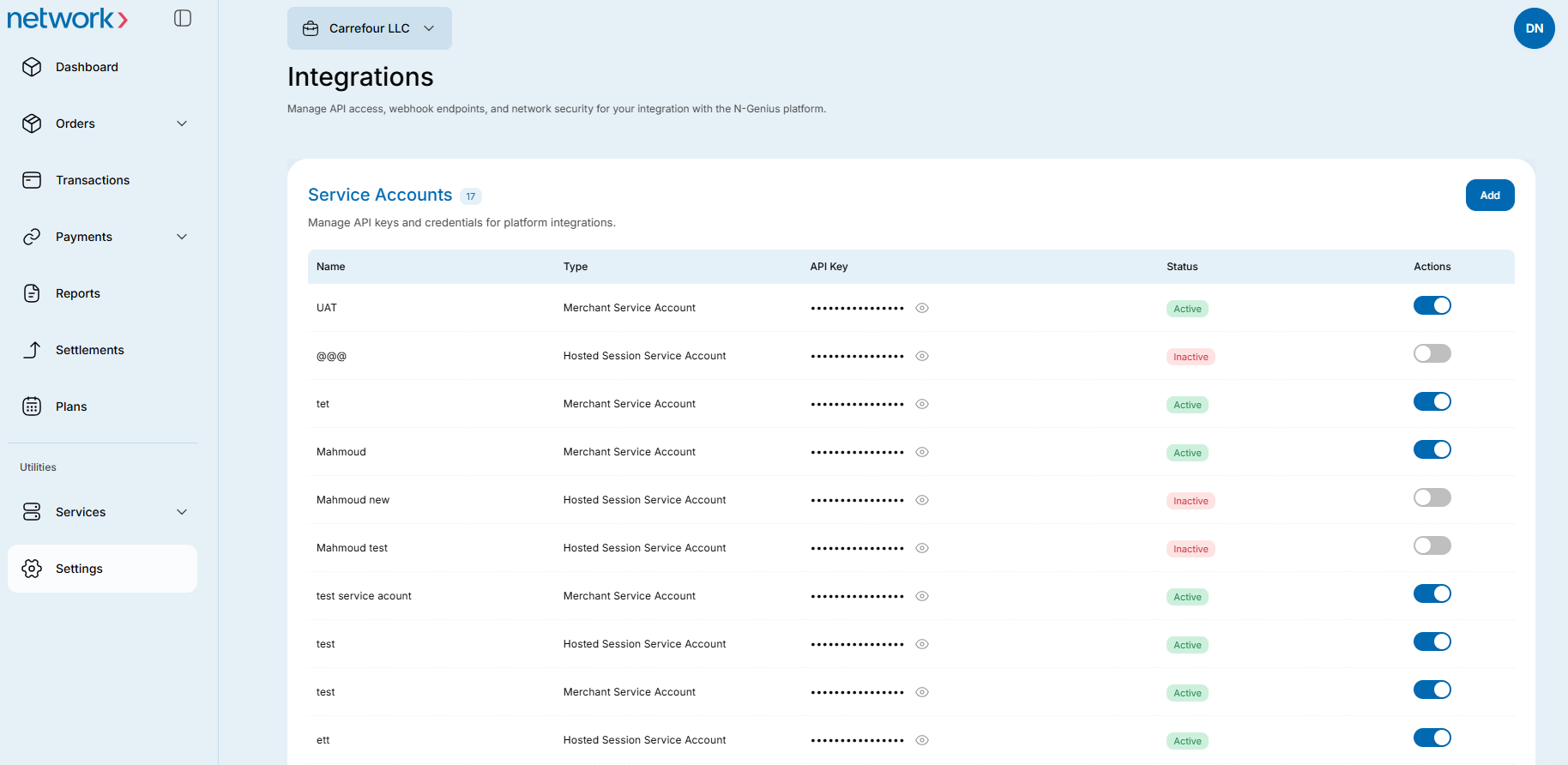
A Merchant Service Account is for a machine connecting to the system, not an individual user. The Portal generates an API key for the account instead of asking you to set a password. Its permissions are limited to the following:
View:
- Merchant Hierarchy
- Reports
Read/write access:
- Create Orders
- Authorisation
- Authorisation Reversal
- Capture (including partial capture)
- Void and Refunds (including partial refunds)
- Outlet Reports and Transaction Data
Open Merchant Service Accounts
- Select the Settings option from the left menu bar.
- Click on the Integrations panel. The Integration settings screen displays.
- Click on the Merchant Service Accounts link. The Merchant Service Accounts page displays.
Create a Merchant Service Account
- On the Merchant Service Accounts page, click New to open Add service account.
- Enter a name and description for the account. Check both before saving: you cannot edit or delete Merchant Service Accounts after creation.
- Click Add. The slide-out closes and the new account appears in the list. The Portal generates a unique API key for it.
Reveal an API key
- Open Merchant Service Accounts and find the account in the list.
- Click the hidden key in that row’s API key column to reveal it.
Enable or disable an account
- Open Merchant Service Accounts and find the account in the list.
- Use the account’s enable/disable toggle to select the state you want.
Updated 1 day ago
Did this page help you?