

Cardholder notifications
Edit the sender name and status of the existing cardholder notification in the Merchant Portal. Only Merchant Admin Users can view this screen.
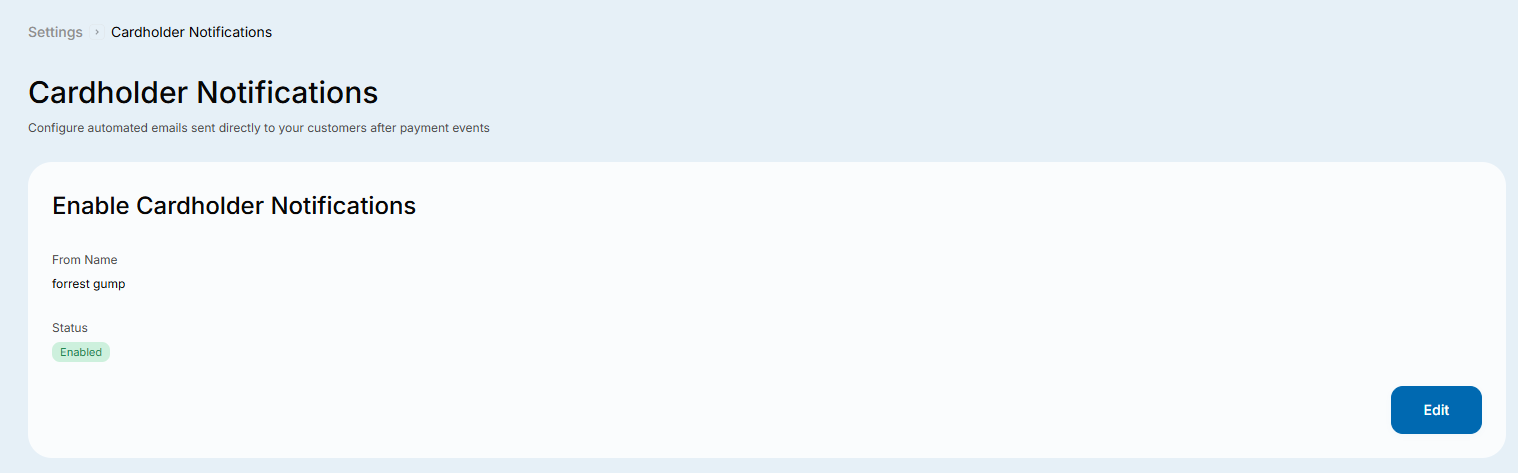
Edit the cardholder notification
- Open Settings → Notifications in the Merchant Portal.
- Click Edit under Cardholder Notifications to open the pop-up.
- Enter a From name so customers can recognise the sender, and set the Status you want.
- Click Save Changes to save, or Cancel to leave without saving.
You can edit the existing cardholder notification, but you cannot add or delete one.
Updated 1 day ago
Did this page help you?